
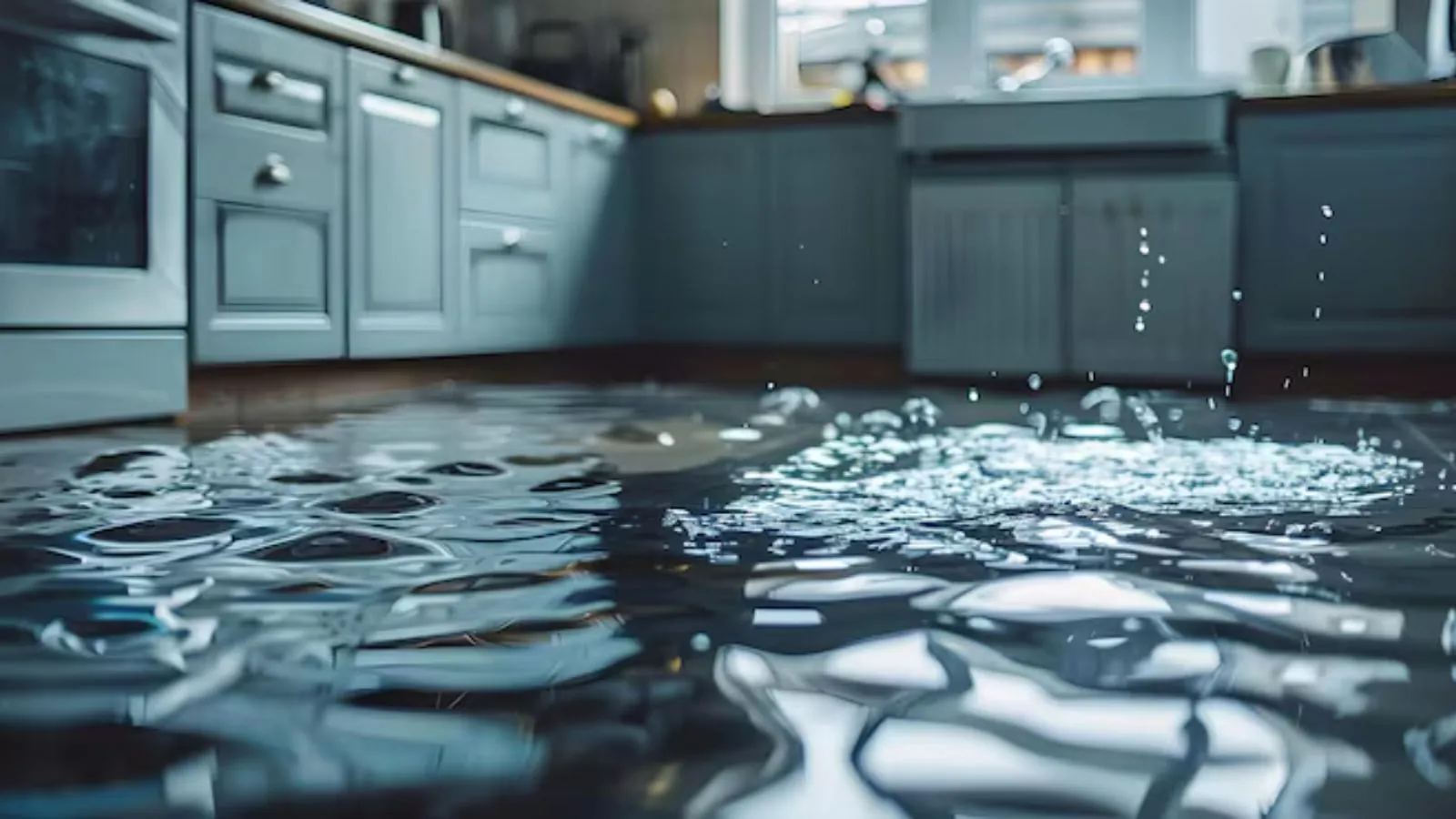
Water and electricity are a dangerous pair, and the first rule is personal safety. Before you worry about the device, check whether it is safe to touch. If you are standing in water, or the outlet or panel is wet, stay back and call for help.
This guide is general information, not electrician advice.
Safety first
Do not touch plugged-in electronics while standing in water. If you can reach the breaker safely with dry hands and dry feet, turn off power to the affected area. If you cannot, call your utility or an electrician. Never use a wet vacuum around live outlets.
Unplug, but only when it is safe
Once power is off or the area is dry, unplug devices. Do not turn them on to test them. Many electronics can be damaged by power flowing through wet circuits, and corrosion starts quickly.
What to do with phones, laptops and TVs
Remove batteries and cases from phones and laptops if possible. Wipe off the outside, and let devices dry in a dry room. Avoid rice, which can leave dust and does not pull water from inside well. Have a technician look at anything valuable before power is applied.
| Device | First step | Avoid |
|---|---|---|
| Phone | Power off, remove case | Charging it |
| Laptop | Unplug, remove battery | Powering on |
| TV or monitor | Unplug, let dry | Turning on |
| Large appliance | Switch off at breaker | Running a wet appliance |
| Power strip | Discard | Reusing |
When to call an electrician
If outlets, panels or wiring got wet, have an electrician check them before turning power back on. Appliances that were submerged, such as a furnace or water heater, need inspection before use.
Surge strips, batteries and cords
Wet surge strips and extension cords should be thrown away, since their internal parts can corrode and become a fire risk. Lithium batteries that got wet should be handled carefully and taken to proper disposal, especially if they swell or smell. Do not charge a device with a damaged battery.
What a repair shop can tell you
A repair technician can open a device, check for corrosion and sometimes clean it before it is turned on. Data recovery is also possible for many drives if they are not powered up. Ask about costs first, because older devices may not be worth the repair.
- Do not power on wet devices
- Take photos before cleaning
- Ask for data recovery before repair
- Compare repair cost to replacement
Appliances with electronics inside
Washers, dryers, furnaces and water heaters contain control boards and sensors. If water reached those parts, have a technician inspect the unit before using it again. Gas appliances that got wet, including their valves, need a professional inspection.
Never relight a pilot or restart a unit that has been flooded without that check.
Preventing electrical damage next time
Raise electronics off the floor, use shelves and keep important devices out of the basement. Consider having an electrician raise outlets or the panel if you live in a flood-prone area. Surge protectors do not protect against water.
A battery backup and sump pump alarm are inexpensive ways to avoid being surprised by a flooded basement.
Data you can protect
Back up important files regularly to a cloud service or a drive stored on a high shelf. If a laptop or phone gets wet, the data may still be recoverable if you do not power it on. Tell any repair shop that water was involved so they can handle it correctly.
Photos, tax records and work files are the most common losses.
When to replace instead of repair
Older or low-value devices may cost more to repair than to replace. Items with sensitive data should be handled by a specialist before disposal. Ask a shop for a diagnostic quote, then compare it with the cost of a new device. Recycle electronics responsibly and never put wet batteries in the trash.
Safe disposal of ruined electronics
Do not throw lithium batteries or devices with them into household trash. Many towns and electronics stores run take-back programs. Ask the Stoughton Department of Public Works or your own town about drop-off options for electronics and batteries. Remove personal data first if you can do so safely.
Standards and Sources Behind This Page
Electrical safety points follow NFPA 70, the National Electrical Code, and FEMA guidance for returning to a flooded home. Both advise against energizing equipment that has been wet until it has been inspected, and the ANSI/IICRC S500 standard for professional water damage restoration treats electrical hazards as a first safety check.
Electronics and flooding in Stoughton
Basements are where Stoughton floods, and basements hold entertainment centers, sump pump controls and the electrical panel. The town's flood history, from March 2010 to the June 2020 flash flood, reminds homeowners to raise panels and outlets where possible.
If water reached the panel, treat it as an emergency and read our pages on flood damage restoration and water heater leak cleanup. We cover Avon and Brockton.
Common questions
No. Powering on a wet device can cause permanent damage.
It is not reliable and can leave debris. Power off and ask a technician.
No. Discard it.
Basement panels, pumps and appliances sit low, so they are the first to be exposed to flooding.
Take it out, power it off if it is on, remove the case and wipe it. Do not charge it, and ask a repair shop before turning it on.